



%

Sport Running Bluetooth Earphone For Samsung Galaxy Note 4 SM-N910F Wireless Earbuds Headsets With Microphone Электроника - купить
Специальная цена *
Категория товара: Earphones Headphones

История изменения цены
Купить Sport Running Bluetooth Earphone For Samsung Galaxy Note 4 SM-N910F Wireless Earbuds Headsets With Microphone | Электроника
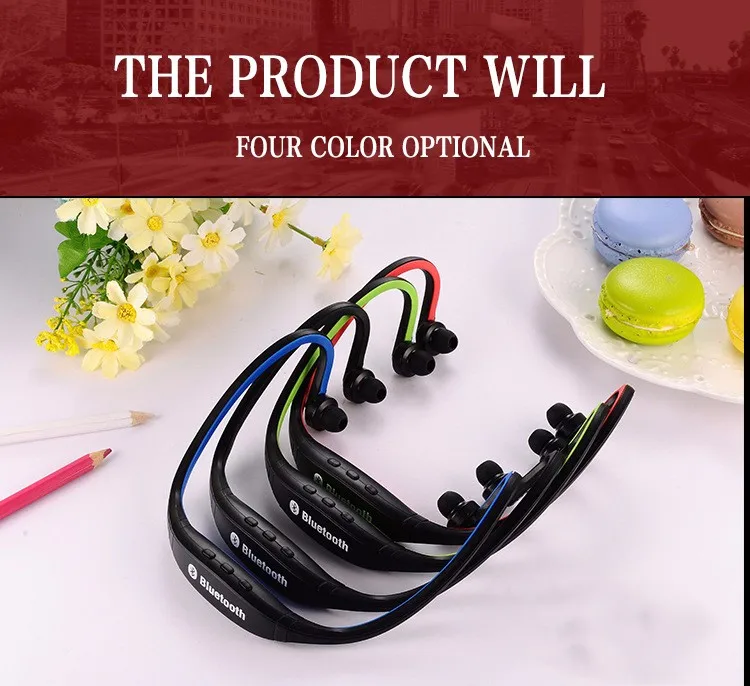
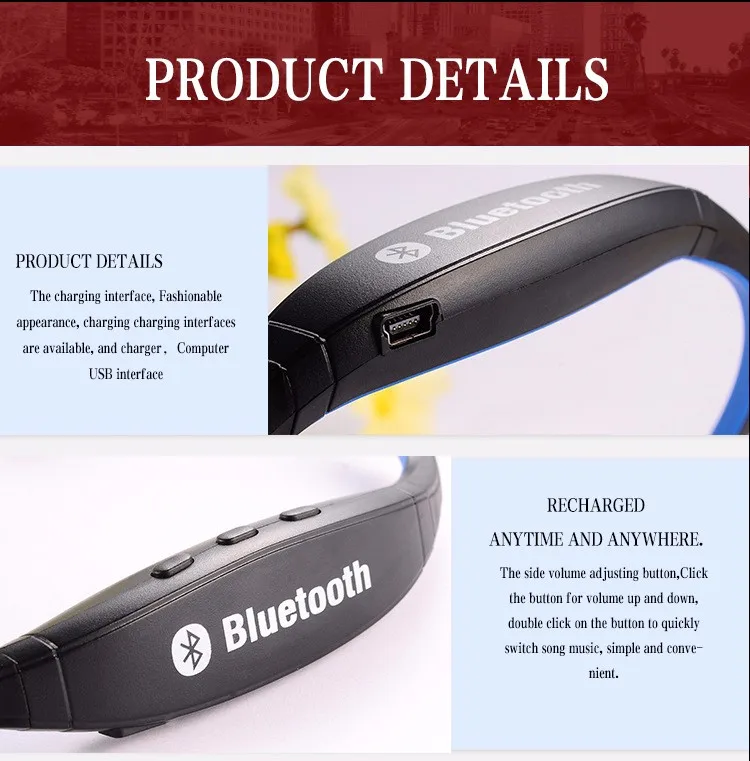
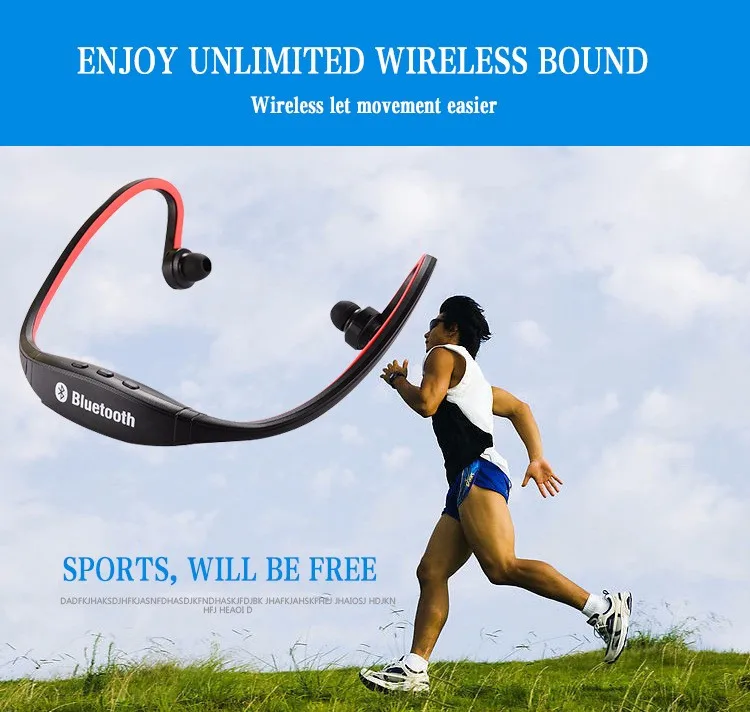
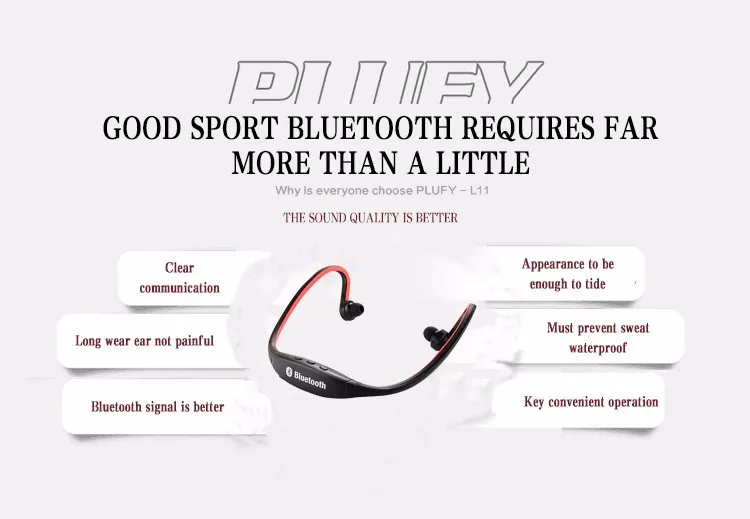
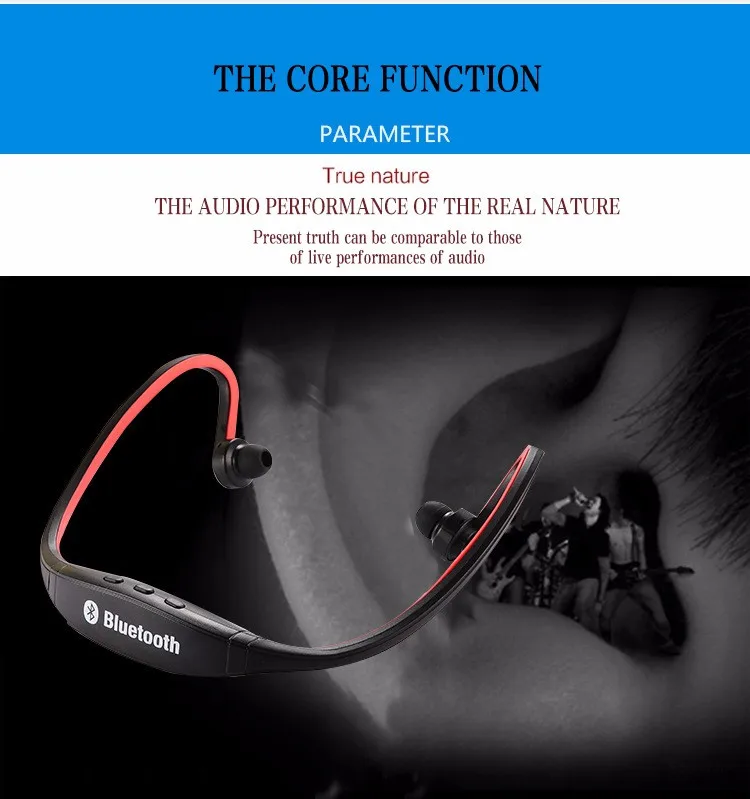
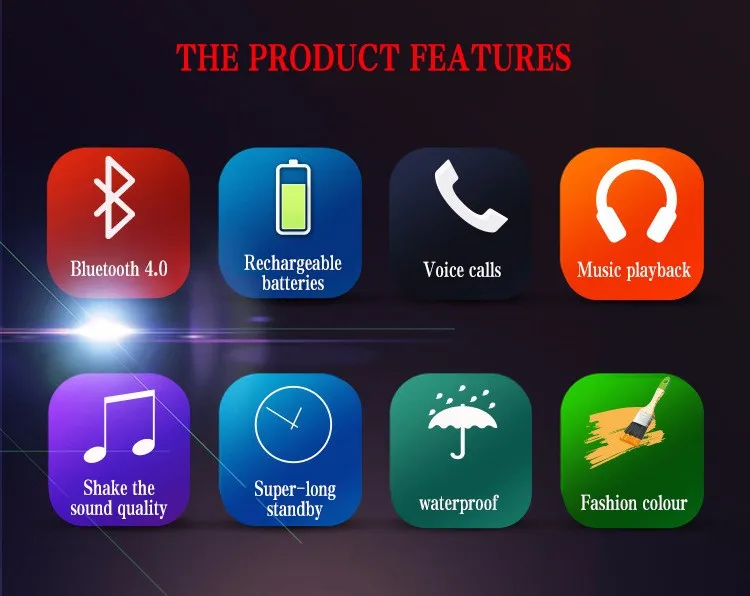
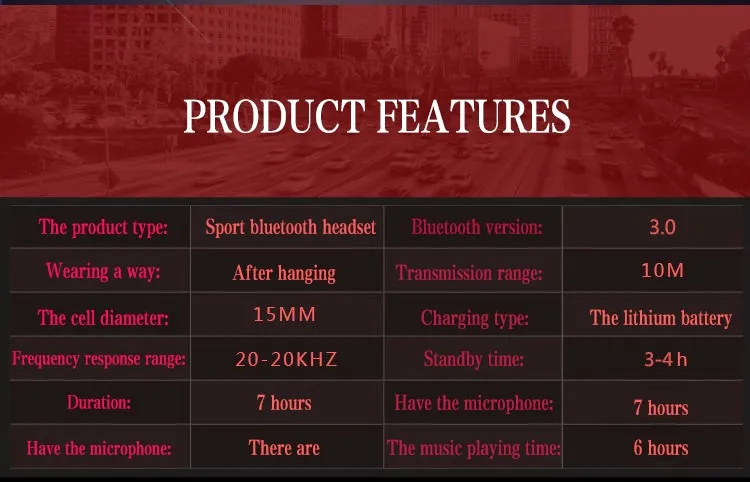
 Hot Universal Sport Wireless Bluetooth 4.0 Stereo Headphone Headset Earphone Handfree Features: * 100% brand new. * stereo music + call answering * Easy pairing: NFC (NearFieldCommunication, short-range communication) * Wireless enjoy stereo music playing and set aside to answer the call automatically converted. * Color: Black, Blue, Green, Red Package Includes: * 1 x Sports Bluetooth Headset * 1 x USB Cable Item Specification: * Charge time:1-2 hrs * Bluetooth version: Buletooth 4.0 + EDR, wireless transmitter standard of class II * Frequency coverage: 2.402~2.480GHz ISM band * Channel: 79 channels of 1MHz, B/W * Sensitivity: -80dbm * Bluetooth range: up to 10m * Transmit speed: 57~723Kbps * Stereo compression ratio: 44.1/48kHz * Contact terms: Point-to-Point * Charge power : PC USB, 5V * Charge power: Input 110/220V 50/60 Hz 150mA Item Instructions: Pair to your Cellphone: 1, Need to be Off status or turn off the headset. 2, Press the button "Play/ Pause" for about 3 seconds until the blue lights start flashing quickly. 3, Turn on the Bluetooth function of your cellphone and search for the bluetooth headset and select "SPORT-BT". 4, Enter the code "0000" if necessary. 5, If paring is successful, "Connected" will show on the cellphone. Power OFF the Headset: 1, Power Off: Press the button "Play/ Pause" for about 4 seconds until the blue light indicator goes off. Charging the Headset: You must charge the battery fully before using the headset for the first time. 1, Connect the USB charging cable to the USB charge port of the headset. 2, The light indicator will turn into red when charging. 3, The full charge takes about 2 hours. 4, The red light indicator goes out and the light indicator turns into blue when charging completed. Answering a Call: 1, Press the button " Play/ Pause" of the headset. Rejecting a Call: 1, Press the button "Play/ Pause" for 2 seconds, then release. 2, Redialing the last called number - Double press the button "Play/ Pause". Playing Music: When you are listening to the music, you can press the below buttons. 1, Next song: short press the button "Next song". 2, Previous song: short press the button "Prev. Song". 3, Volume up: long press the button "Next song". 4, Volume down: long press the button "Prev. Song".
Without retail box

Отзывы о Sport Running Bluetooth Earphone For Samsung Galaxy Note 4 SM-N910F Wireless Earbuds Headsets With Microphone Электроника
Здесь вы можете оставить свой отзыв о данном товаре.
Отзывы ( 0 )
Сначала новые
Сначала старые
Сначала лучшие
Отправить
Загрузить
Ссылка
Сообщение:
Загрузить
Ссылка
ССЫЛКА НА ИЗОБРАЖЕНИЕ
Загружено по ссылке